Independent tools by Nitish Kumar
Small tools.
Better browsing.
A collection of thoughtful browser extensions for a more focused, organized, and creative everyday.
Chrome+Edge
Explore the collection In the spotlight Concept
Tab Harbor
Less tab chaos. More headspace.
Give every project a place. Save your tabs into tidy workspaces and pick up exactly where you left off.
Named workspacesAuto-save sessions
Explore Tab Harbor
ChromeEdge
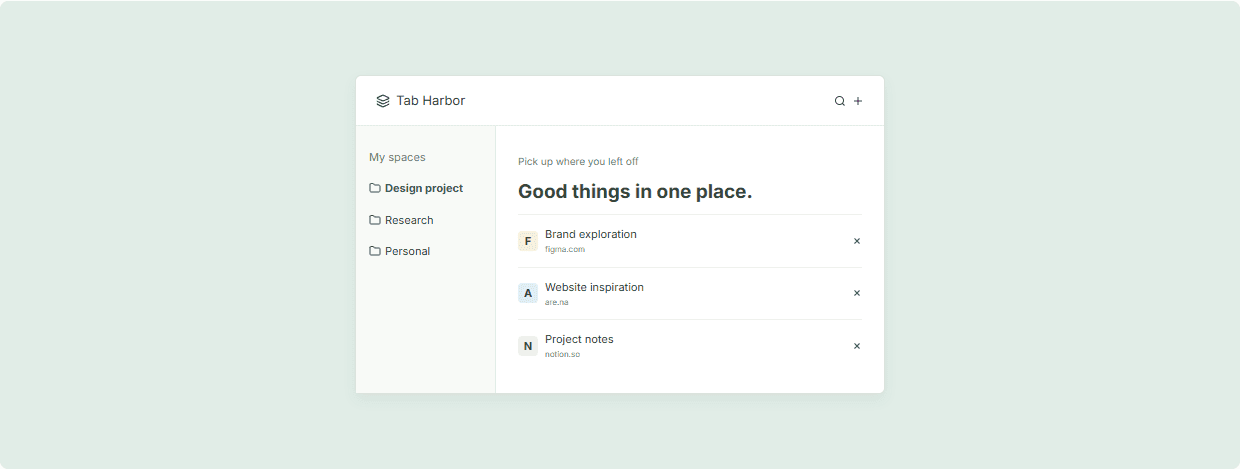
A place for every projectConcept preview
Tab Harbor
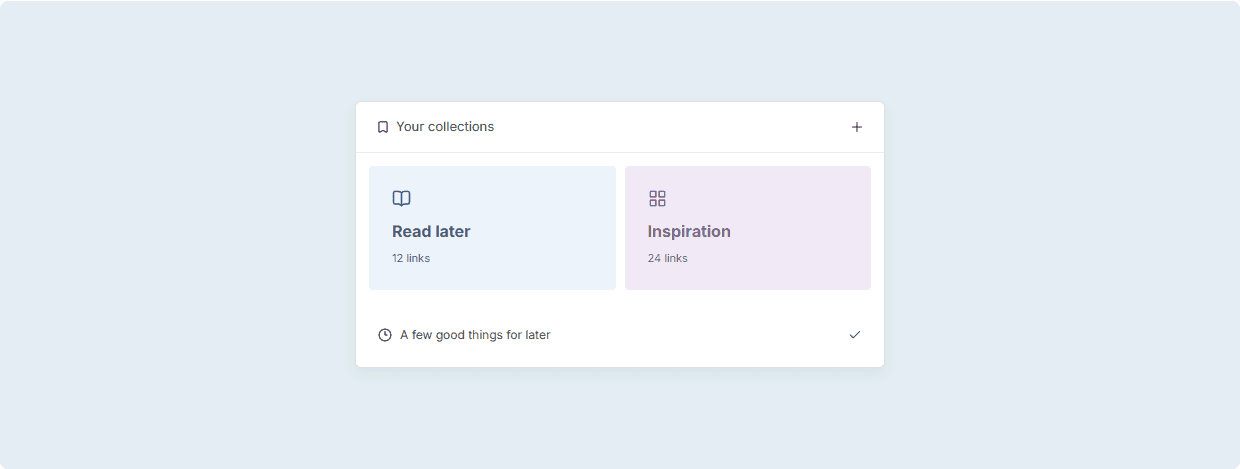
Pick up where you left offGood things in one place.
FBrand explorationfigma.com
AWebsite inspirationare.na
NProject notesnotion.so
The collection
Find your next little upgrade.
For the tabs you open.
And the things you want to get done.
6 extensions

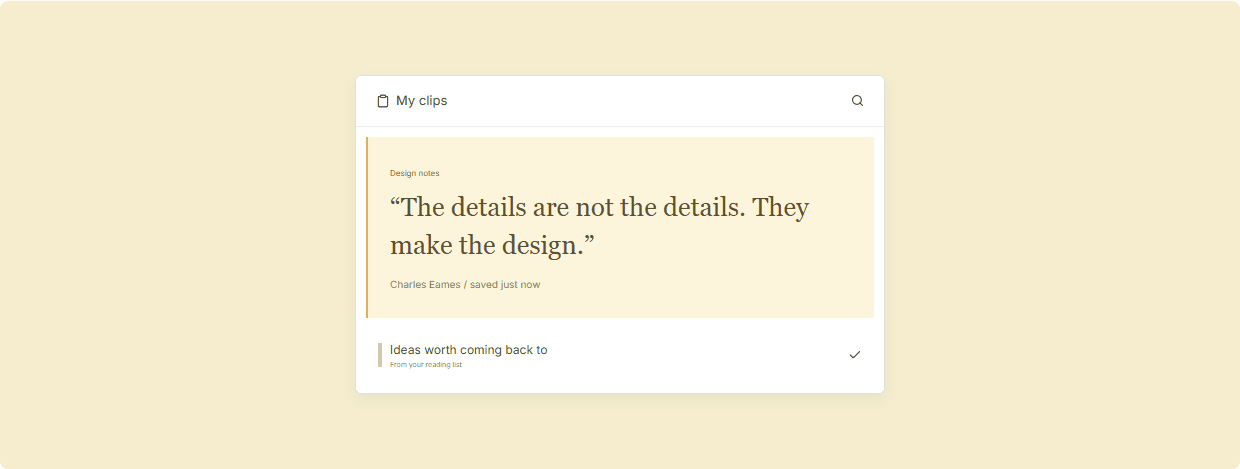
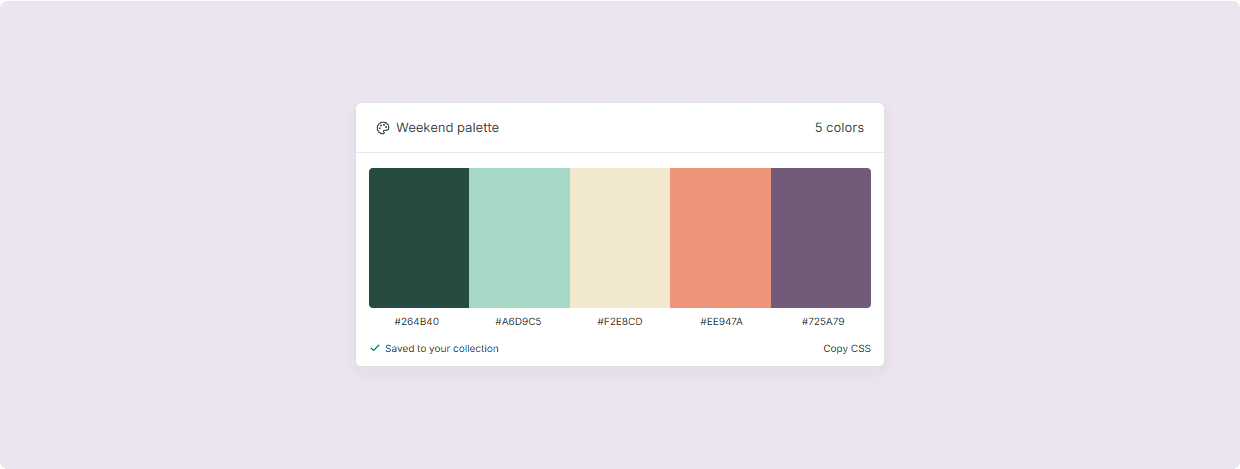
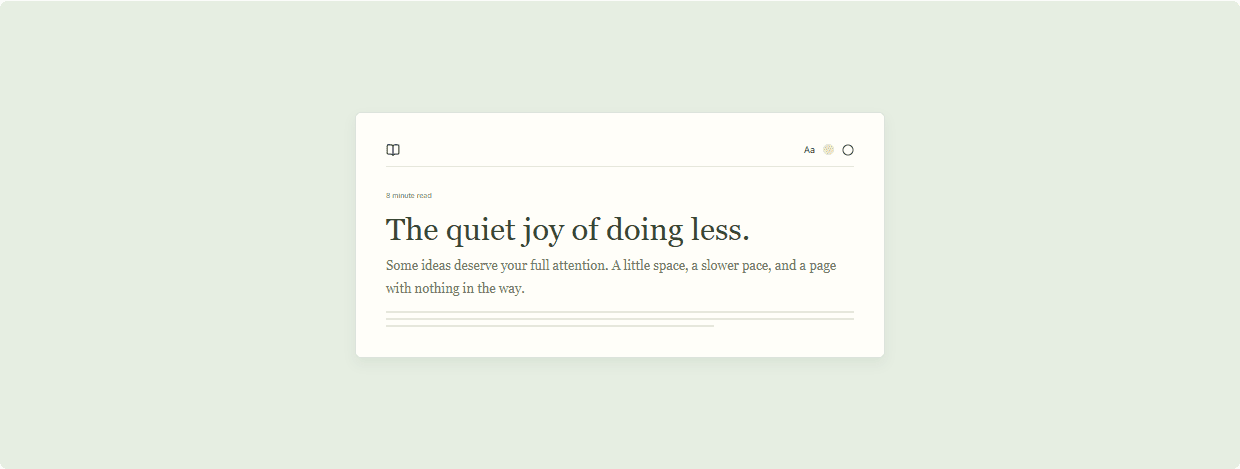
Preview collection: sample products and concept screens. Store links will appear when real releases are added.
Nitish KumarDeveloper & thoughtful problem-solver
A person behind the pixelsI build the little things
I build the little things
that make a difference.
Too many tabs. A color worth saving. An idea you don't want to lose. I'm interested in the small moments where a well-made tool can make the web feel a little better.
This is home for my browser projects. For the bigger picture, take a look at my portfolio or explore the websites I build for businesses.
Where can I install an extension?+
Each product page has separate Chrome Web Store and Microsoft Edge Add-ons links when a release is available. The current collection uses fictional sample products, so installation is not enabled yet.
Will these work in both Chrome and Edge?+
Use the browser filter to find the right version. Each listing shows its supported browsers. When real releases are added, use the matching store link on the product page.
What can an extension access?+
Permissions are listed on each product page alongside a privacy summary. Always review the permissions and privacy policy on the official store before installing. The current permission lists are sample content.
Have an idea or need a custom extension?+
I also build custom web experiences and browser tools. Visit my portfolio to learn about my work and get in touch, or explore the Demo Lab for industry-specific website concepts.
More than browser tools.
Custom websites, considered interfaces, and ideas brought to life.