Version 1.3.1
- Fixed import failing for bookmarks with missing titles
- Improved drag-and-drop on touch screens
Tidy your saved links into useful collections.
This is a fictional preview, not a published extension. Product details and screens are illustrative.
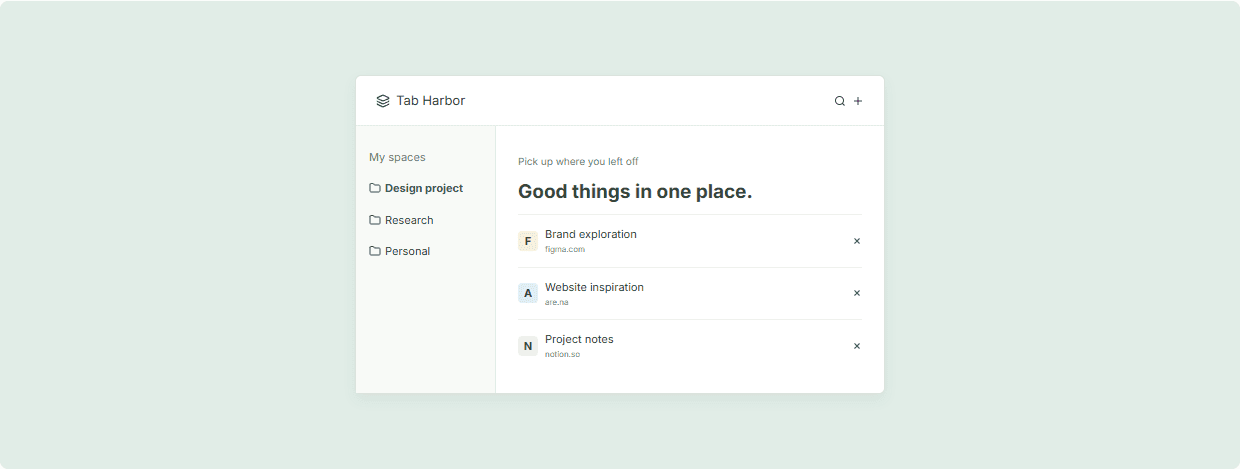
Link Sweep helps you process your growing list of bookmarks and saved links. Import from Chrome bookmarks, add links manually, and sort them into named collections. Flag links to review later and archive the ones you're done with.
Bring in your existing Chrome bookmarks with one click and start organizing from there.
Sort links into collections like "Read later", "Reference", or "Projects". Move between collections with drag-and-drop.
Flag links to review and archive the ones you've processed. Keep your active list short and actionable.
Open Link Sweep and click "Import from Chrome". Choose folders to import.
Create named collections for your main categories. Drag links into them.
Work through your "Review" queue and archive or assign everything. Keep it tidy.
Link Sweep reads your bookmarks but does not modify them. Your Chrome bookmarks remain unchanged.
Up to 2,000 links per collection. Storage uses Chrome's local storage.