Version 1.0.3
- Improved article detection for news sites
- Fixed sepia background on dark-mode sites
Distraction-free reading mode for any article.
This is a fictional preview, not a published extension. Product details and screens are illustrative.
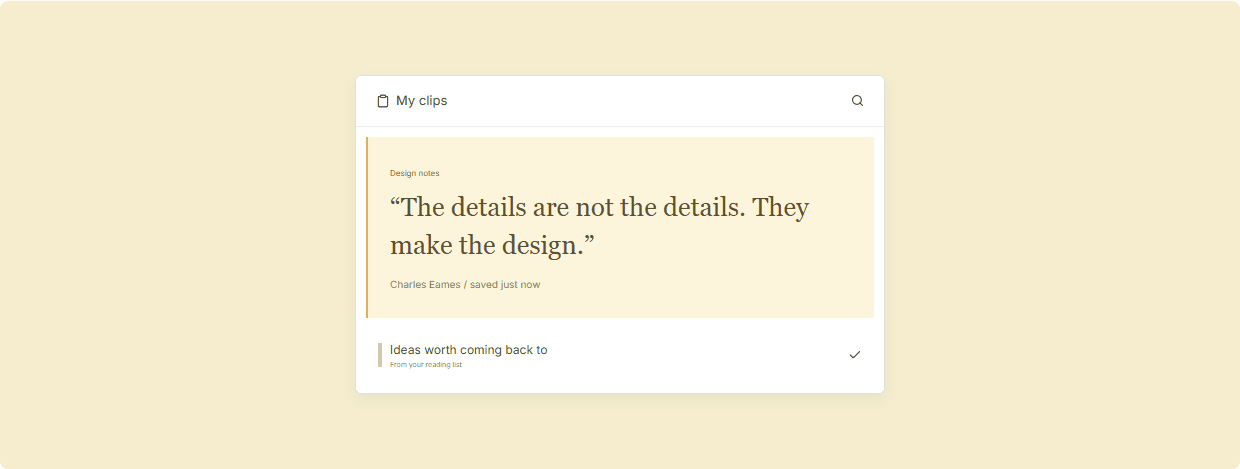
Some ideas deserve your full attention. A little space, a slower pace, and a page with nothing in the way.
Readwise View strips away navigation, ads, and sidebars from any article or blog post. Choose your font size, line length, and background color, then read without distraction. Your preferences are saved per-site.
Click the icon or press the shortcut and the page transforms into a clean reading view in under a second.
Adjust font size (14–24px), line width, line height, and choose between light, sepia, or dark backgrounds.
Readwise View remembers your preferences for each site. Return to your favourite blog and it applies your settings automatically.
Open any article, blog post, or long-form content page you want to read.
Click the Readwise View icon in the toolbar to activate clean view.
Use the floating toolbar to change font size, width, or background. Settings are saved automatically.
Readwise View only rearranges the content already loaded in your browser. It does not bypass paywalls.
Yes — use your browser's standard print function while reading mode is active for a clean printout.